
tensorflow-cpu版本改成gpu版本
cudda和cuda对应网址。由于之前已经下载了cuda。只需要下载cuDNN。
·
查看当前环境中的库
conda env list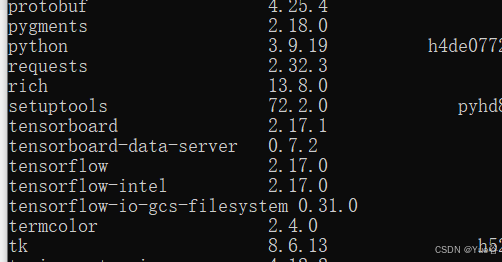
卸载
pip uninstall
pip uninstall tensorflow
pip uninstall tensorflow-intel
pip uninstall tensorflow-io-gcs-filesystem
由于之前已经下载了cuda

只需要下载cuDNNcuDNN 9.4.0 Downloads | NVIDIA Developer
cudda和cuda对应网址
从源代码构建 | TensorFlow (google.cn)
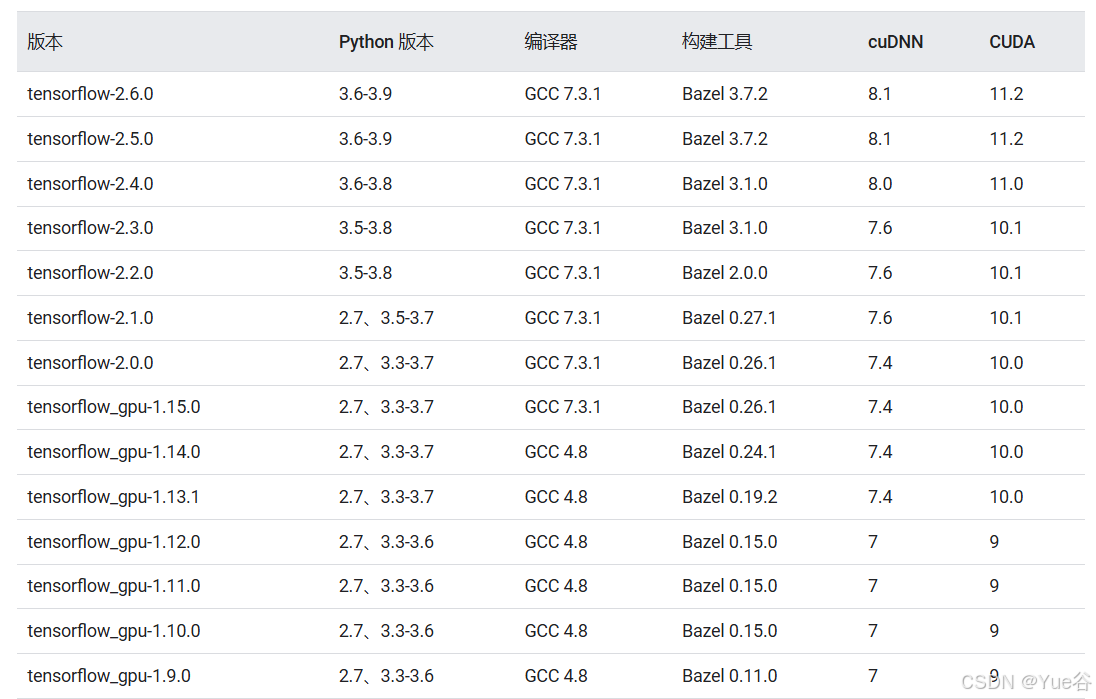
解压

打开cudnn中文件

放在CUDA目录下
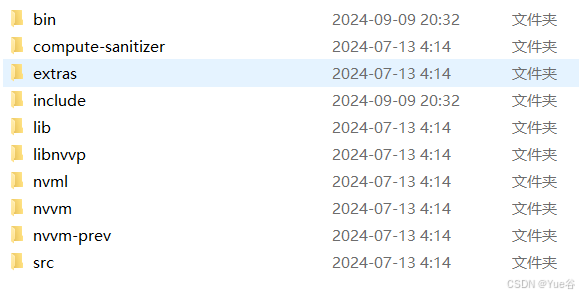
可以直接替换
使用镜像源安装
pip install tensorflow-gpu==2.6.0 -i https://pypi.tuna.tsinghua.edu.cn/simple测试,输入
python输入
import tensorflow as tf报错
If you cannot immediately regenerate your protos, some other possible workarounds are:
1. Downgrade the protobuf package to 3.20.x or lower.
2. Set PROTOCOL_BUFFERS_PYTHON_IMPLEMENTATION=python (but this will use pure-Python parsing and will be much slower).
输入exit()退出python环境
pip uninstall protobufpip install protobuf==3.19.0报错


是numpy版本不符合
pip install numpy==1.21.6 -i https://pypi.tuna.tsinghua.edu.cn/simple/再进入python环境测试成功
进入pycharm报错
cannot import name 'dtensor' from 'tensorflow.compat.v2.experimental'
重新更新keras版本
pip install --upgrade keras==2.6.0报错ran out of memory (OOM)
前面加
import os
os.environ["CUDA_VISIBLE_DEVICES"] = "-1"
import tensorflow as tf
用cpu运行
更多推荐
 2
2 0
0- 0


 已为社区贡献1条内容

所有评论(0)